Project Snapshot
- Problem: Legacy training full of jargon and passive slides; extremely low completion rates
- Audience: B2B salespeople recommending end-user computing devices to clients
- Model: ADDIE
- Tools: Microsoft Word & PowerPoint (scripts + storyboard), Adobe Premiere (video production)
Introduction
This project began as a classic case of “the content is there, but the learning isn’t happening.” Our sales teams were responsible for recommending the right end-user computing devices to clients, yet their core product knowledge wasn’t sticking. The existing training (an old slide deck and accompanying lecture) was full of technical jargon, light on relevance, and completely disengaging. Almost no one finished it.
Before I dive deeper, a quick note: I’m not sharing the final videos on this blog. They relied heavily on proprietary product information, and the visuals weren’t as polished as I’d create today. At the time, I had to stitch together storyline visuals using whatever stock footage I could find. With today’s AI tools—or with animation platforms like Vyond—the final output would look dramatically more cohesive and modern.
What I can share is the process I followed and the impact the redesigned training had across the organization.
Analysis
To validate the concerns leadership had raised, I started by reviewing completion data. The numbers confirmed what we suspected: almost no one made it to the end of the 20-minute legacy video. Sales reps found the content too dense, too technical, and too long for their fast-paced workflow.
I surveyed sales leadership to uncover where product-knowledge gaps were creating the most friction. Reps struggled with understanding device specifications, matching client needs to storage or processing power, and articulating value in plain language.
A surprising amount of insight came from the IT team. Reps weren’t finishing the training, but they were reaching out for help nearly every time they needed to recommend a device. I pulled several months of chat logs to identify patterns in the questions reps were asking. These logs became an invaluable data source in shaping the scope of the project.
(If I were doing this today, AI could categorize themes automatically, but at the time this was manually compiled.)
The conclusion was clear: to build confidence and reduce the burden on IT, we needed training that was shorter, clearer, and grounded in realistic sales scenarios.
Design
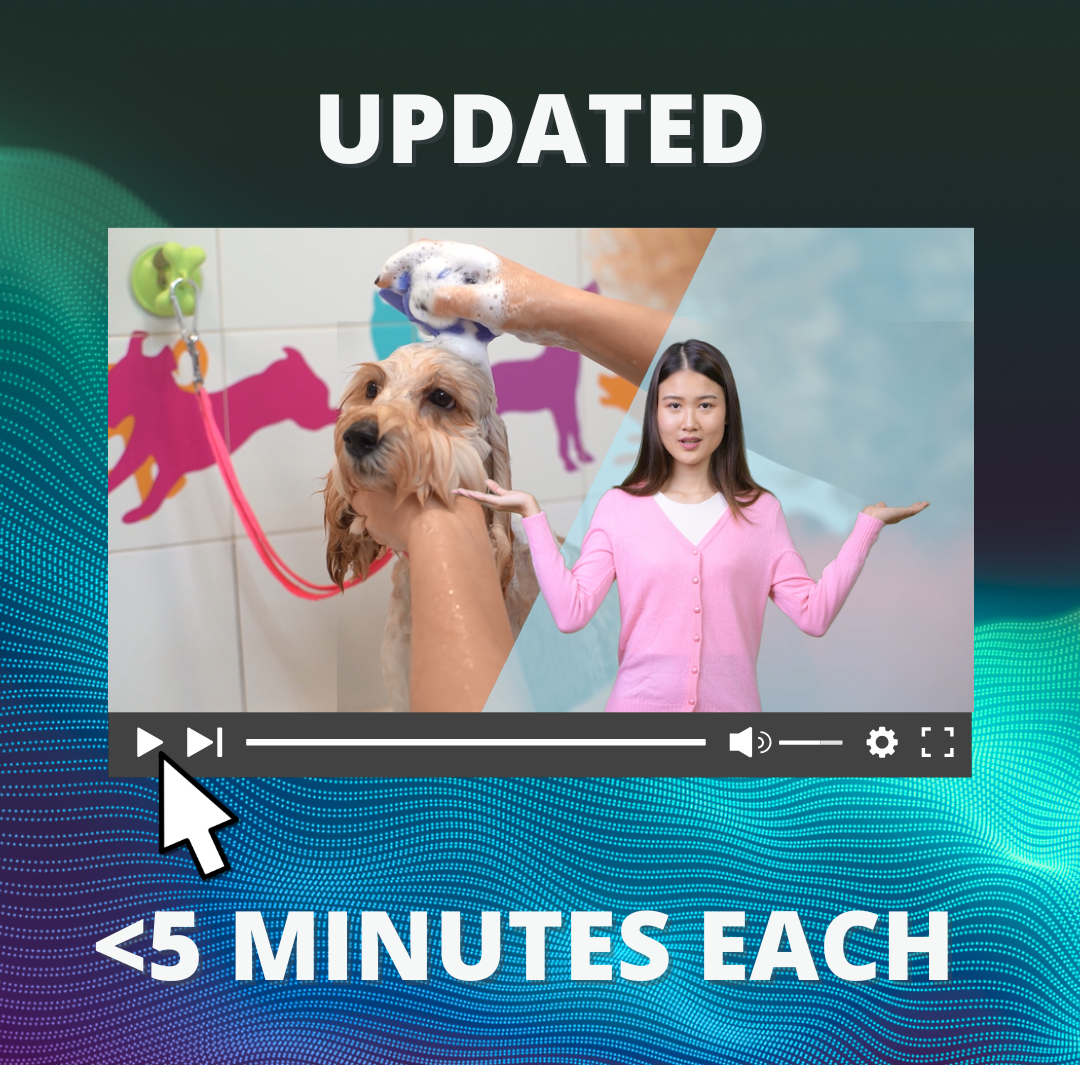
To make the content stick, I shifted from one long explainer to a series of microlearning videos, each under five minutes. This format allowed us to break down complex concepts and keep the pacing aligned with the reality of a salesperson’s day.
During script development, I introduced a client persona named Mindy, the owner of a mobile dog-grooming business. She appears in the very first video and instantly humanizes the content. Mindy admits she “can’t tell the difference between email spam and RAM,” and that trying to order equipment to support her point-of-sale system has been overwhelming. By framing the training around Mindy’s frustrations and business needs, salespeople immediately understood why this knowledge mattered and how it translated into real conversations.
This persona served as the through-line of the entire microlearning series. Each video follows her journey as she learns about end-user computing devices and determines the right equipment to keep her business running smoothly. This narrative approach helped transform abstract specs (e.g., storage, RAM, processing power) into concrete selling points.
Once scripts were drafted in Microsoft Word, I built a simple visual storyboard in PowerPoint to help stakeholders preview the learner experience. In a live working session, we refined pacing, reinforced the Mindy storyline, and aligned the tone to what would resonate most with sales teams.

Development
The videos were produced in Adobe Premiere, where the Mindy narrative came to life. Because we didn’t have a visual-effects or animation budget, I used a blend of stock footage, light motion graphics, and text callouts to create a cohesive visual story. This required careful editing to ensure consistency in style and tone—especially when trying to stitch together stock footage in a way that felt natural.
We also recorded voiceovers in-house using coworkers as narrators, since we didn’t have funds for professional talent. This meant spending extra time smoothing audio, timing narration to visual cues, and ensuring the delivery felt conversational and warm enough to complement Mindy’s storyline.
If this training were built in 2025, modern AI tools would dramatically improve both visuals and voiceovers. However, within the constraints of the time, Premiere offered enough flexibility to build an engaging, story-driven microlearning experience.

Implementation
We rolled out the microlearning series to a pilot group of managers first. Their feedback led to a few small refinements: mainly adjusting phrasing in the scripts and clarifying a couple of transitions in the videos. Once the pilot group approved, the training was launched to the entire sales organization.
Evaluation
The results were both measurable and meaningful:
- Completion rates increased significantly, with the majority of the sales team finishing the full microlearning series.
- Learning outcomes improved, demonstrated by reduced reliance on IT for product recommendation support.
- Questions to IT about device recommendations dropped over the next 90 days, with a notable decrease in the first 30 days. In that window, IT reported that the volume of “which device should I recommend?” chats decreased by a meaningful percentage. The final estimate was that chats had decreased by about 30%, clear evidence that the content addressed real knowledge gaps and built employee confidence.
- Stakeholders reported stronger sales conversations, particularly in explaining storage, RAM, and processing power in language customers could easily understand.
The combination of microlearning format, scenario-driven storytelling, and tightly aligned content made the training more engaging, more practical, and far more likely to be completed.
Conclusion
This project demonstrated how even highly technical content can become approachable and compelling when grounded in real-world context. By building the training around a relatable persona, simplifying jargon, and delivering content in short, purposeful segments, we helped the sales team feel more confident and better equipped for client conversations.
The ADDIE model guided every step, from uncovering pain points and designing around learner reality, to shaping effective storytelling and measuring outcomes that mattered to the business. The result was a training program that wasn’t just modernized, it was meaningful, memorable, and measurably effective.